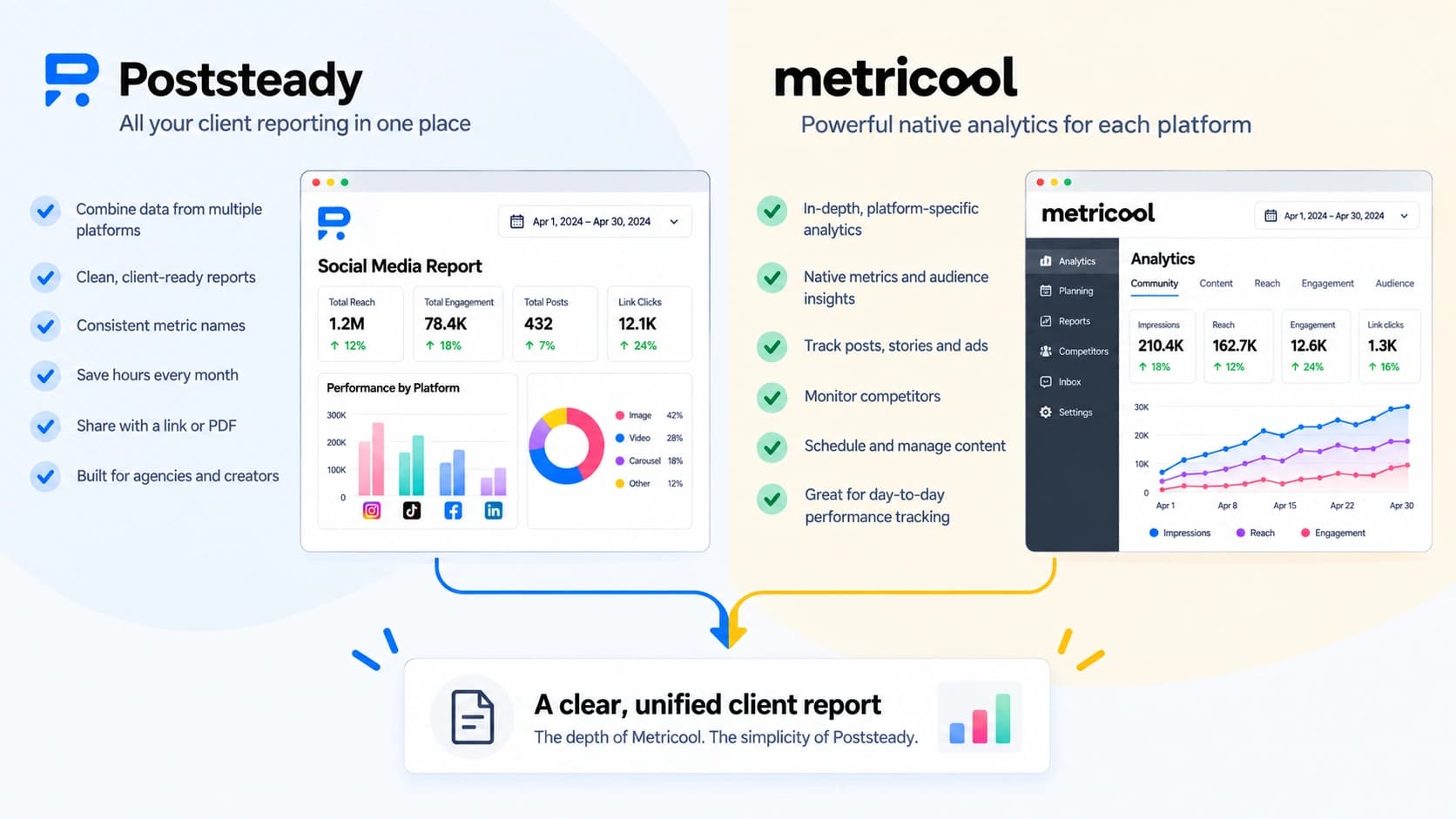

If you're already running your accounts through Metricool and wondering whether you need anything else for the monthly client report, the honest answer is: it depends whether the client's whole footprint lives inside Metricool's connected networks. If it does, you probably don't. If it doesn't, here's exactly where the built-in report stops covering you.
What Metricool's report actually covers
Metricool is a scheduling and analytics platform first — reporting is a feature built on top of the accounts you've connected to it. The report builder pulls straight from those connections: pick a network, pick a date range, and it lays out a branded PDF or PPT with your logo and colors, one-off or scheduled to email itself every month.
The catch is that it's scoped per network, not per client. Instagram, Facebook, LinkedIn, TikTok each carry their own metric set inside Metricool, so a report covering three networks for one client is three exports, not one you build in a single pass. And it only reports on what's connected to Metricool in the first place — a client's Meta Ads Manager or Google Ads spend, run outside Metricool's own ad tools, doesn't show up in it at all.
What's gated, and at which plan
Metricool's free plan lets you view analytics in the platform, watermarked, with no export option. The PDF/PPT report builder unlocks on the Starter plan (from $20/month, billed annually). White-label reporting — dropping Metricool's own branding out of the document entirely — is Custom-plan only, which means contacting sales rather than a listed price.
The AI-written layer is its own gate on top of that. Metricool Studio — the feature that generates automatic charts and written summaries alongside the numbers — isn't available on the free plan at all, and on Starter or Advanced without the Advanced Analytics add-on it's capped at 2 views with a maximum of 5 versions per view, with no way to delete a view to make room. Full, unrestricted access needs that add-on. So the part of the report that explains the numbers, rather than just charting them, is the most gated piece of the whole stack.
What Poststeady does differently
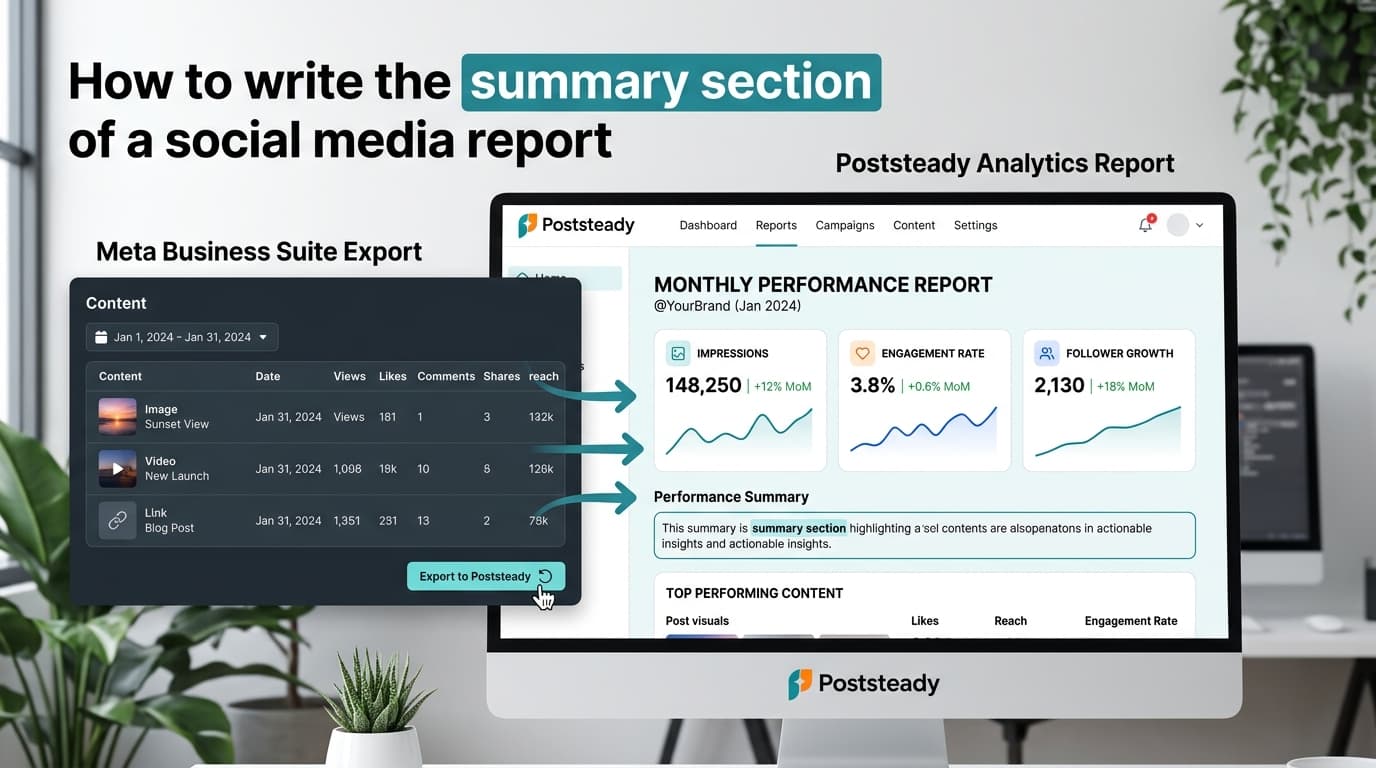
Poststeady doesn't connect to anything. It works from the CSV you already export — from Metricool or anywhere else — so a client running paid ads outside Metricool's tools, or a client you report on across four different platforms, is one report instead of several. Poststeady's column mapping recognizes Metricool's own export directly: a column named "Interactions" is read as engagements on the first pass, and "Reach", "Followers", "Likes", "Comments", and "Shares" match the same way. "Saved" doesn't have a match yet, so it's flagged for you to pick once — and that gets saved as a preset, so next month's file lines up without repeating the step.
The written summary and recommendations are drafted for every report, on every plan, including free — not gated behind a higher tier or capped at a number of views. You edit every line before it goes out; nothing reaches a client that you haven't read first.
If you only need one thing
Scheduling and posting with reporting attached: that's Metricool's job, and if the client's whole footprint is inside it, use the built-in report — it's the faster path and there's no reason to route around it.
Reporting only, from exports you already have, for clients whose numbers live across more tools than one platform tracks: Poststeady is free for 2 reports a month, forever, full features, no watermark, written summary included. $10.99/month for unlimited.
Turn that Metricool export into a client report
Upload the CSV you already download and get a branded three-page report, with the summary written for you to edit.