
If you already use Buffer to schedule posts and you're wondering whether its reporting covers your monthly client report too, here's the honest answer: it depends on what the client is actually reading.
What Buffer is built for
Buffer is a scheduling and publishing tool. The product is built around publishing, engagement, and analytics as a workspace for managing social accounts. To use it, you connect your client's accounts directly to Buffer — which means you need the access to do that in the first place.
The reporting lives inside that same tool. Analytics cover engagement rate, reach, impressions, and click-through rate, and you can export the numbers to CSV, but building a custom report or applying your own branding to it isn't part of what that view gives you. What a client sees is your data, formatted the way Buffer formats it.
What Poststeady is built for
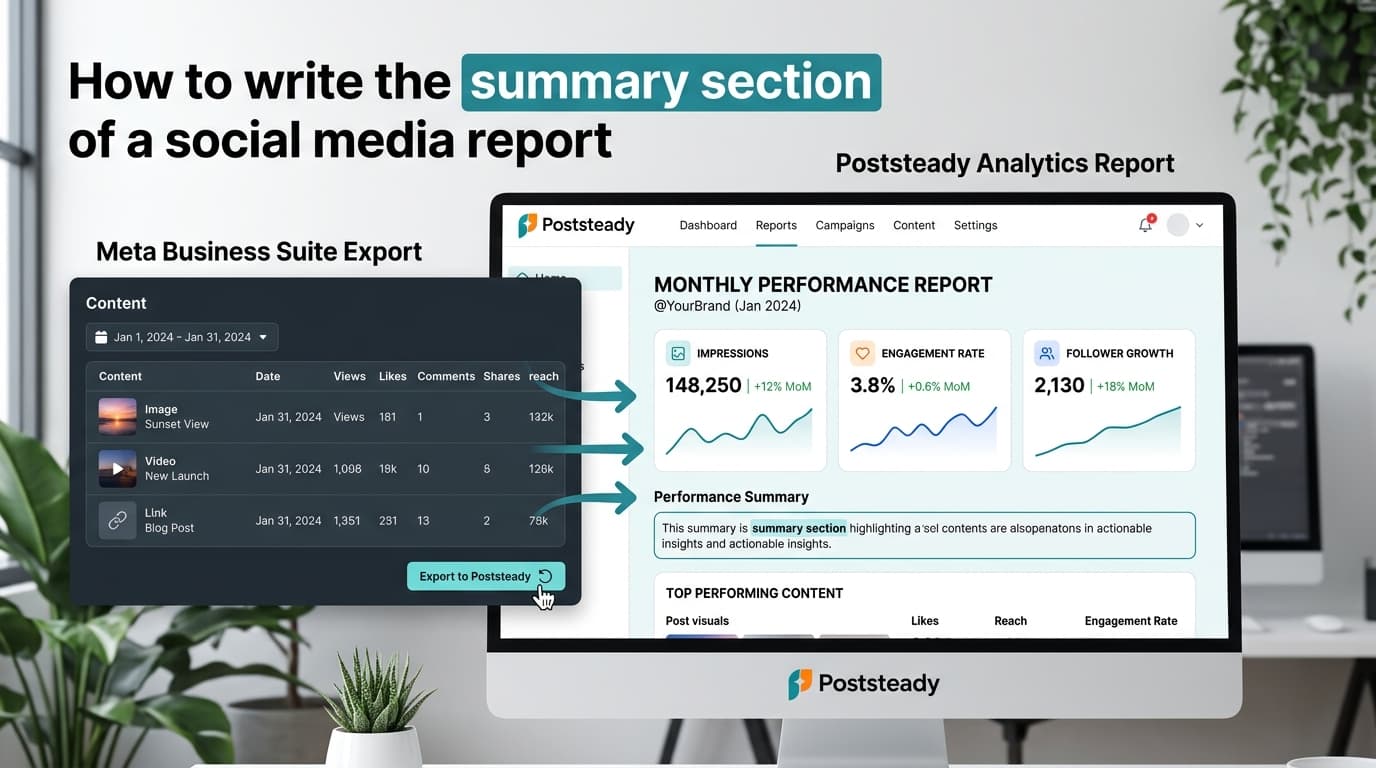
Poststeady doesn't schedule or publish anything. It does one thing: turn the CSV exports you already download — from Buffer or any other source — into a three-page report with your logo, your brand color, and a written summary and recommendations you edit before sending. No connected accounts, no API access to your client's business manager.
What carries over from the export
Practically, this is the whole handoff. You download the analytics CSV out of Buffer and drop it in. Poststeady fingerprints the file as a social analytics export off the columns it recognizes — engagement rate sitting next to followers is the tell.
From there it maps the columns it knows: reach, impressions, engagements, clicks, followers, new followers, likes, comments, shares, saves, and video views. Anything it guesses wrong you correct on the mapping screen, and it remembers that correction for next month's file. Engagement rate is the one number it won't take from the CSV — it derives that from engagements and reach, so the rate in the report always agrees with the two figures printed next to it.
Then you edit. Every metric is editable before it reaches the page, and the summary and recommendations are drafted for you to rewrite in your own words. Nothing reaches a client that you haven't read first.
The real difference
It's not "which tool is better." It's what job each one is doing:
- Buffer — you're managing the posting itself, and the report is a byproduct of that.
- Poststeady — you're already posting through whatever tool you like, and the report is the entire product.
If Buffer is your scheduler, Poststeady doesn't replace it — it takes the export you're already pulling out of it and turns that into the document your client actually reads. You don't have to choose one over the other; they're solving different halves of the same month.
If you only need one thing
Reporting only, no scheduling: Poststeady is free for 2 reports a month, forever, full features, no watermark. $10.99/month for unlimited.
Scheduling with reporting attached: Buffer's plans and pricing change often enough that we won't quote a number here — check buffer.com/pricing for what's current.
See the report Buffer's export can build
Upload the CSV you already have and get a branded three-page report in minutes.