
TikTok splits its analytics across two tools that don't talk to each other. Organic performance lives in TikTok Studio. Paid performance lives in Ads Manager. Pull the wrong one and you'll be pasting numbers into a report that don't answer the question your client actually asked.
Studio or Ads Manager — pick the right one
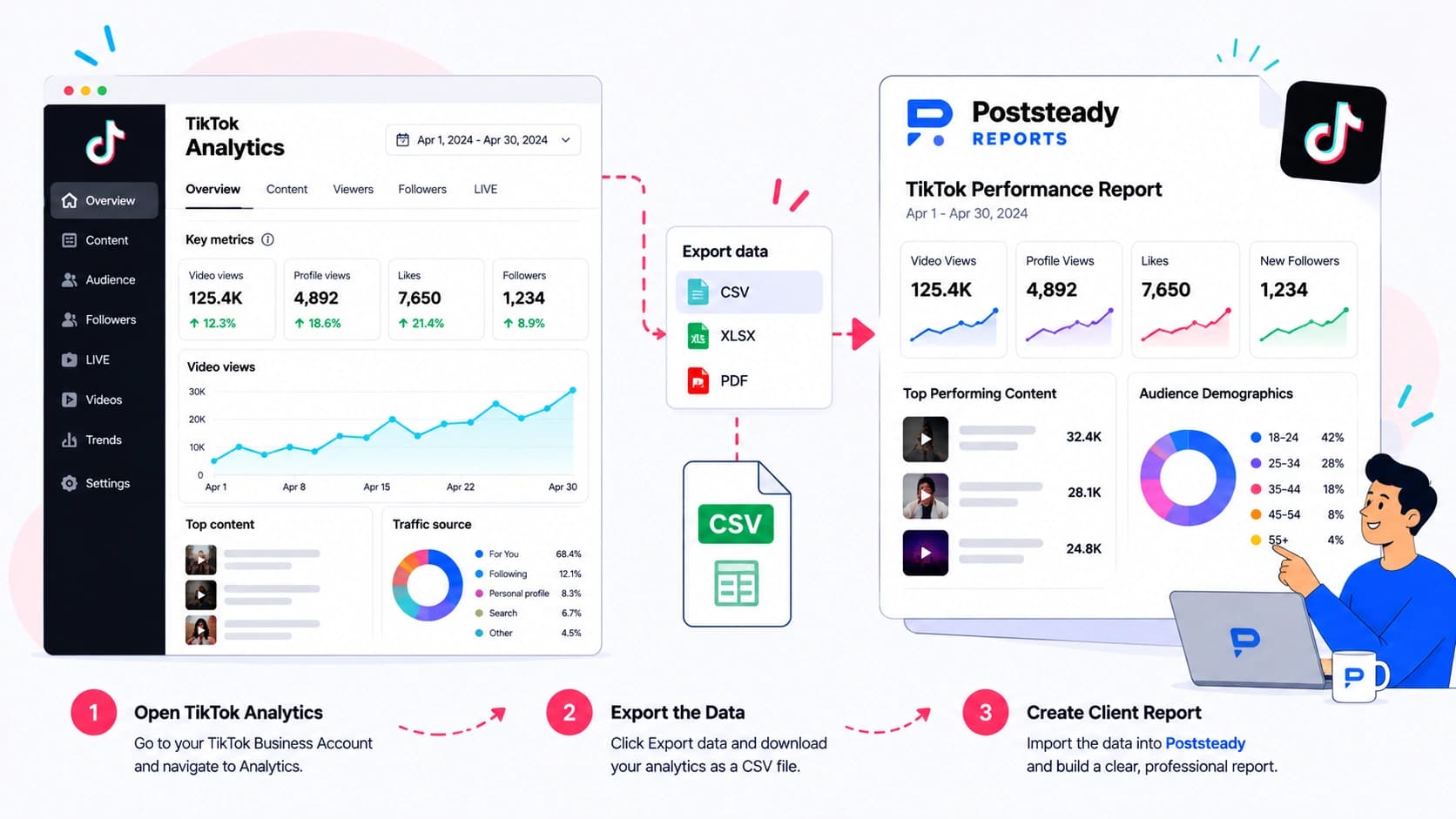
TikTok Studio is where organic content lives — open your profile, tap the menu, then Creator tools → TikTok Studio → Analytics on the app, or the Analytics tab on the web version. The Analytics page has three sections: Overview, Content, and Followers. Each one exports as its own CSV, and TikTok caps a single export at 60 days, so a quarterly report means pulling and stitching more than one file.
Ads Manager is a different product entirely, for a different account. It's built around a Reporting tab: pick a template like Ad Group Performance, or build a custom report by choosing your own dimensions and metrics, then Run & Export to CSV or XLSX. If the client is running TikTok ads, this is the file with Cost, CPM, CPC, CTR, and conversions in it — none of which appear anywhere in a Studio export.
Nothing about either file's name tells you which one you're holding once it's in your downloads folder, and Studio's three sections all download separately with similarly generic names. Rename each one on the way out — Overview, Content, Followers, Ads — or you'll be reopening files to figure out which is which.
What breaks a client report
- Studio and Ads Manager share almost no column names. Studio's Content export gives you post-level video views, likes, comments, and shares. Ads Manager gives you spend-driven metrics against ad-level video views. Adding the two "video views" columns together overstates reach — one counts organic plays, the other counts paid impressions that led to a play, and TikTok doesn't dedupe a viewer who saw both.
- Studio exports one CSV per section. If the report needs both post performance and follower growth, that's two separate downloads (Content and Followers) — the tool doesn't offer a combined file, so treat it as three exports, not one.
- Engagement rate isn't handed to you cleanly in either tool. Studio's guides describe an engagement rate but it isn't a standard export column in every version of the interface, so the safer move is deriving it yourself from engagements and reach or views, and staying consistent with whatever denominator the client's other platforms use.
Turning the file into the report
Two tools, three CSVs if you're covering organic properly, a 60-day cap to work around — none of that is the report itself, just the price of getting the data out. The report is still the part that takes a night: reconciling files, redrawing the charts, writing something the client will actually read instead of scroll past.
Poststeady recognises a TikTok Ads Manager export on sight — a file carrying Video Views next to Cost, without an Amount Spent column, fingerprints as one automatically — and maps the columns onto spend, video views, clicks, and conversions. A Studio export doesn't carry a TikTok-specific fingerprint the same way paid exports do, since Overview, Content, and Followers use fairly generic column names shared across platforms; pick TikTok from the platform dropdown on upload and Poststeady still maps reach, engagements, followers, likes, comments, and shares by column name, the same fuzzy matching every other source gets. Anything it can't place gets flagged for you to confirm once, and it remembers that mapping for next month's file.
Turn that export into a client report
Upload the CSV you just downloaded and get a branded three-page report, with the summary written for you to edit.